How to Meet Your Neighbours in a New Rental Community
15 octobre 2026
Meeting the people around you can make a n...

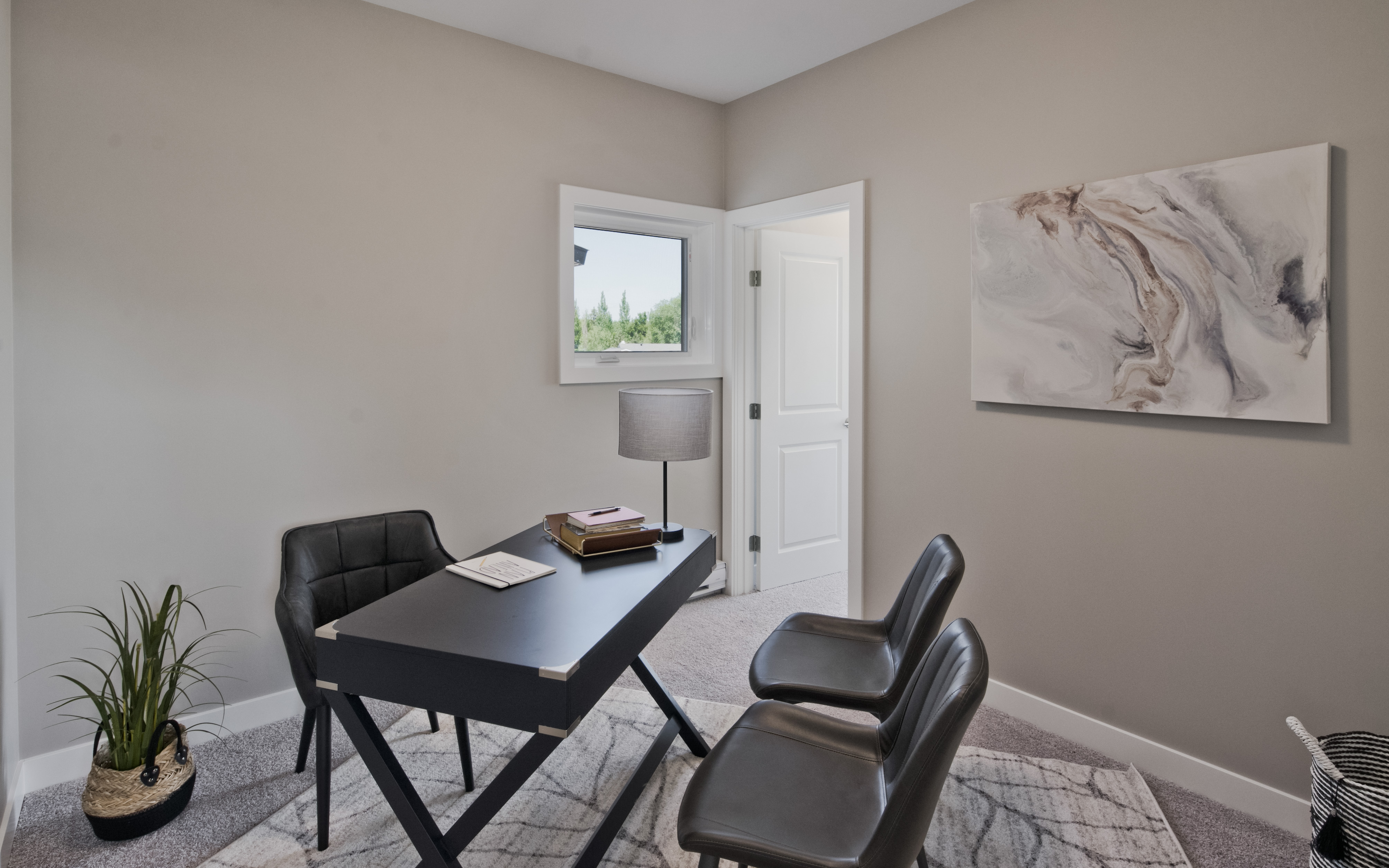
Working from home has gone from a temporary arrangement to a permanent reality for a lot of Canadians. If you're doing it in a rental apartment, the challenge isn't whether it can work — it's how to make it work without your home feeling like it's been taken over by your job.
Here's how to carve out a productive workspace in your suite, even if you don't have a dedicated room for it.
The best home office location in an apartment isn't always a separate room — it's wherever you can create a consistent, functional zone that you can mentally "leave" at the end of the workday.
A few options worth considering:
Your desk is the most important piece of furniture in a home office. A few things that matter more than most people expect:
Natural light is ideal for focus and energy — and if your suite has large windows, position your desk to take advantage of it. Facing the window is great for light; sitting with the window directly behind you can cause screen glare, so a perpendicular setup often works better.
For evening work or cloudy days, a dedicated desk lamp with adjustable brightness is worth the investment. Overhead ceiling light alone tends to be flat and tiring for extended screen work.
Nothing undermines a home office setup faster than cable chaos and visual clutter. A few practical fixes:
The goal is a workspace that can be mentally set aside when you're done for the day — and that's hard to do when it bleeds into the rest of your living space.
Physical setup helps, but the mental boundary matters too. A few habits that help:
If you're finding your current apartment too tight for a comfortable home office, it might be worth looking at what an extra room or a more open layout would give you. A two or three-bedroom suite — or a multi-level townhome with a dedicated upper floor — changes the home office equation entirely.
Northtowne Properties has suites and townhomes available in Winnipeg, Ste. Anne, and Lorette with the space to make working from home genuinely comfortable.
15 octobre 2026
Meeting the people around you can make a n...
8 octobre 2026
A smaller space can still be tidy and comf...
1 octobre 2026
Fall is a great time to settle into a new...
22 septembre 2026
Choosing where to rent in Winnipeg comes d...
15 septembre 2026
Not sure whether a townhome or apartment s...
8 septembre 2026
Renting with kids? Here's a quick guide to...